Classic PC Guide: Yuri's Revenge
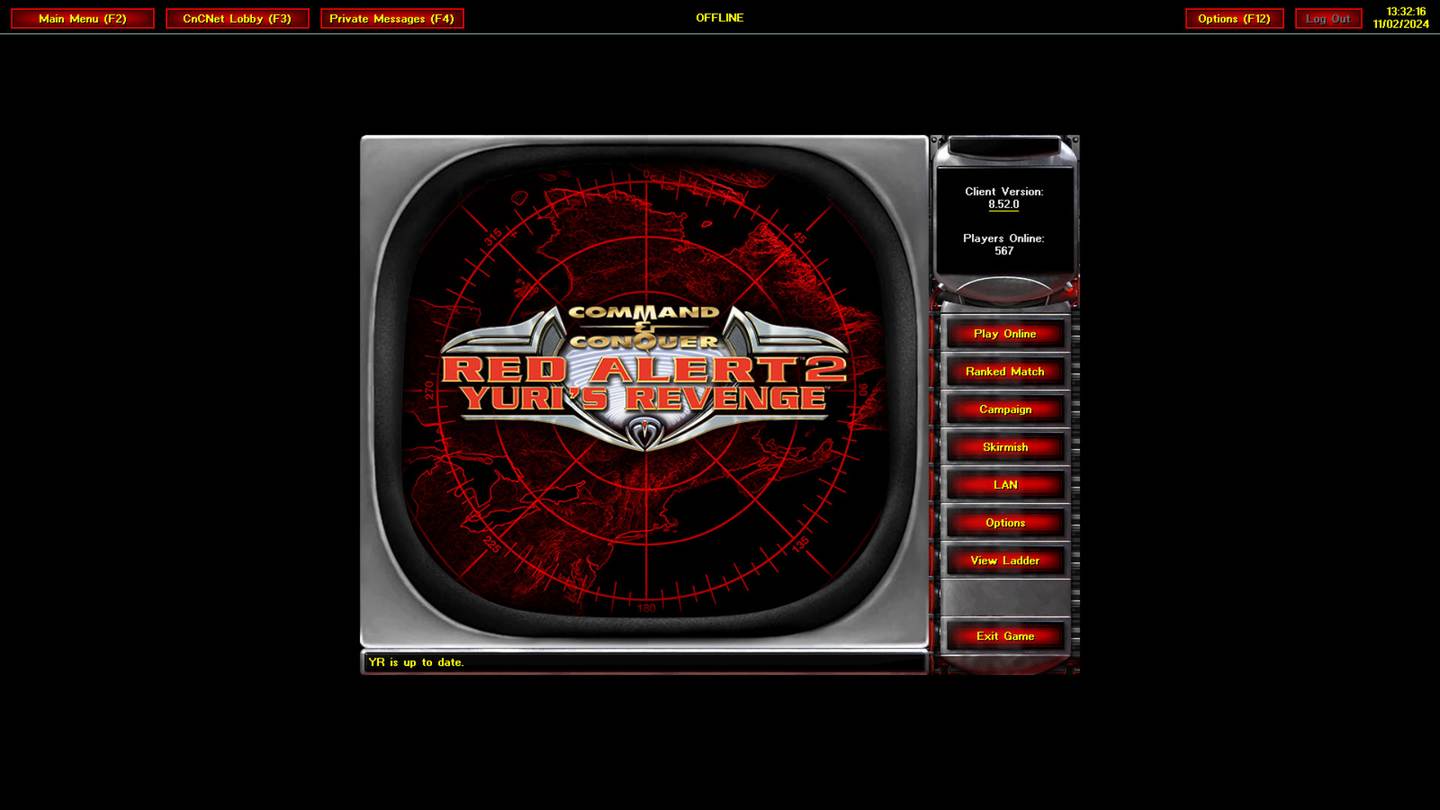
Use a legitimately owned copy of Red Alert 2 and its expansion. Install a current compatible CnCNet client, then configure display settings for your Windows PC.
About Yuri's Revenge
Yuri’s Revenge extends Red Alert 2 with Yuri’s specialized faction, psychic control mechanics, and a redesigned multiplayer balance. This page focuses on PC compatibility, installing from a trusted source, and finding the right community services rather than hosting game executables.
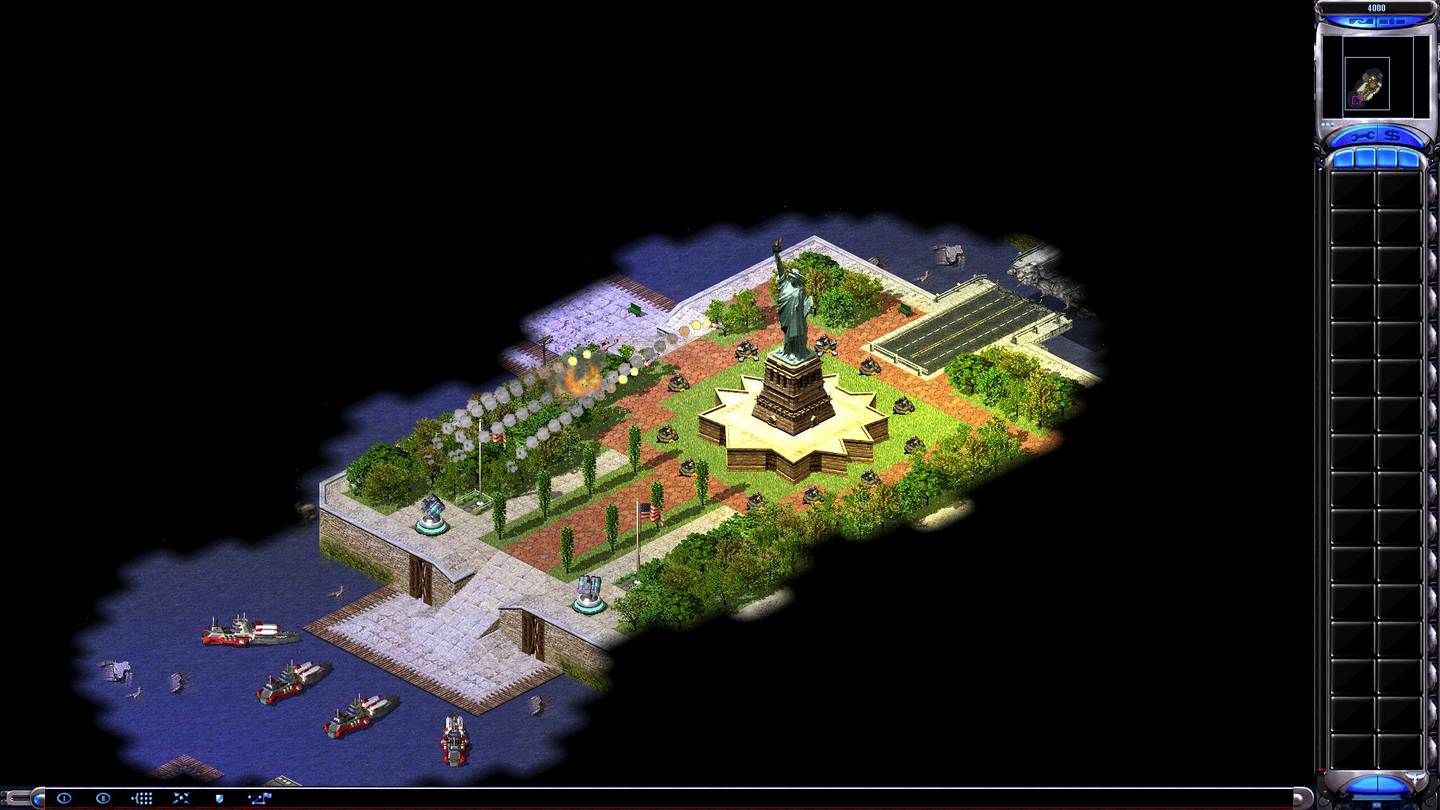
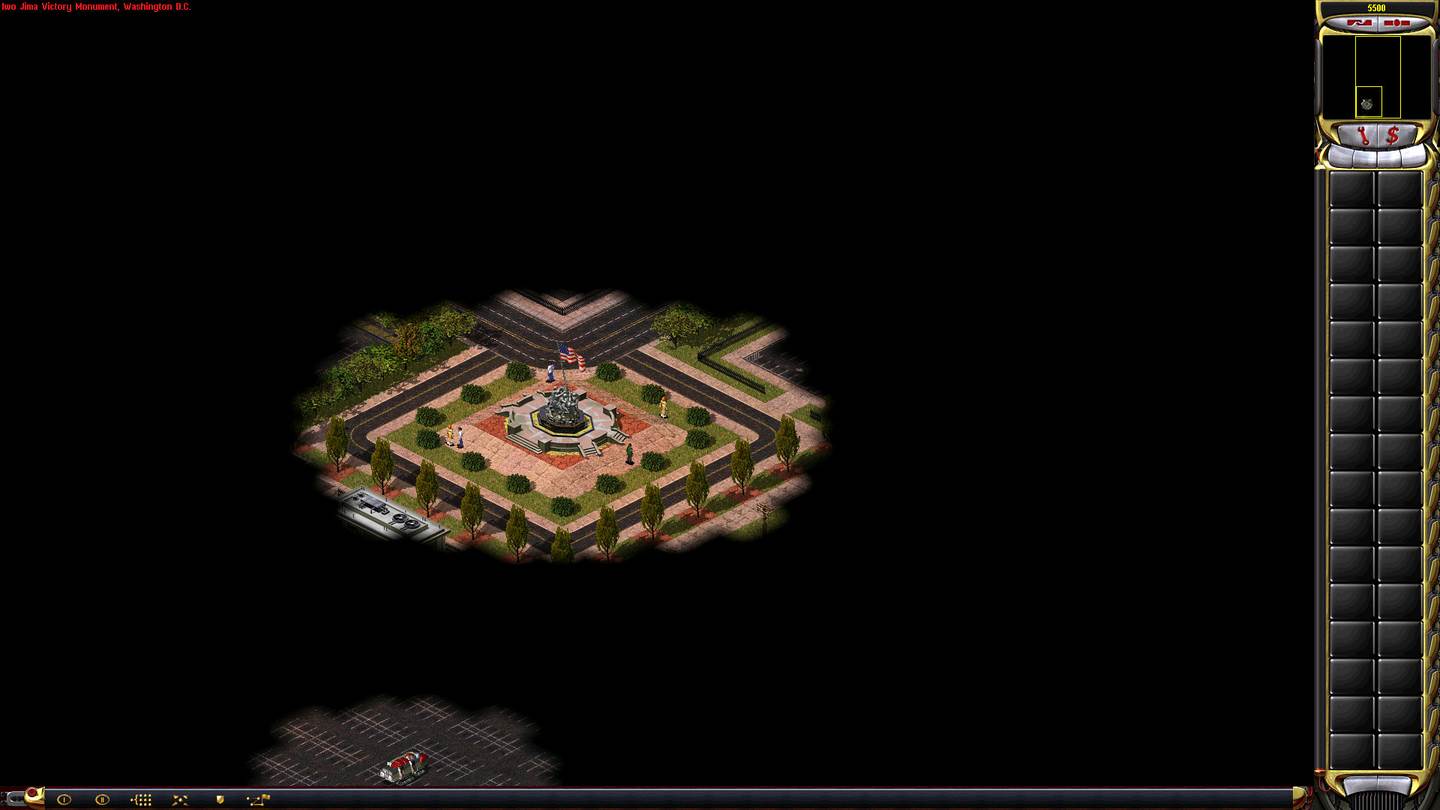
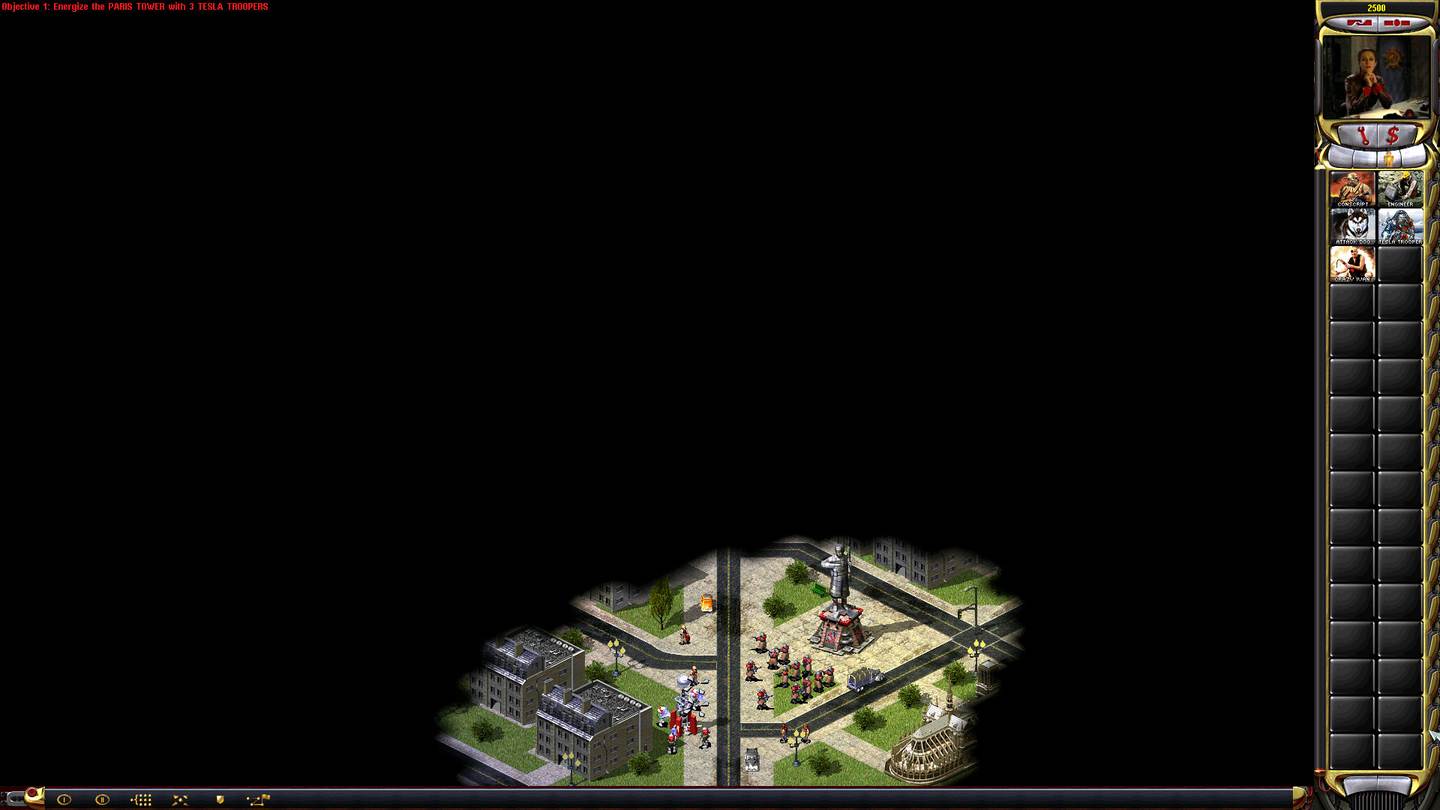
Yuri's Revenge Gallery
To see the full Yuri's Revenge Gallery, including behind the scenes shots, boxart, composites, concepts and more, check out the CNC-COMM website. View full gallery
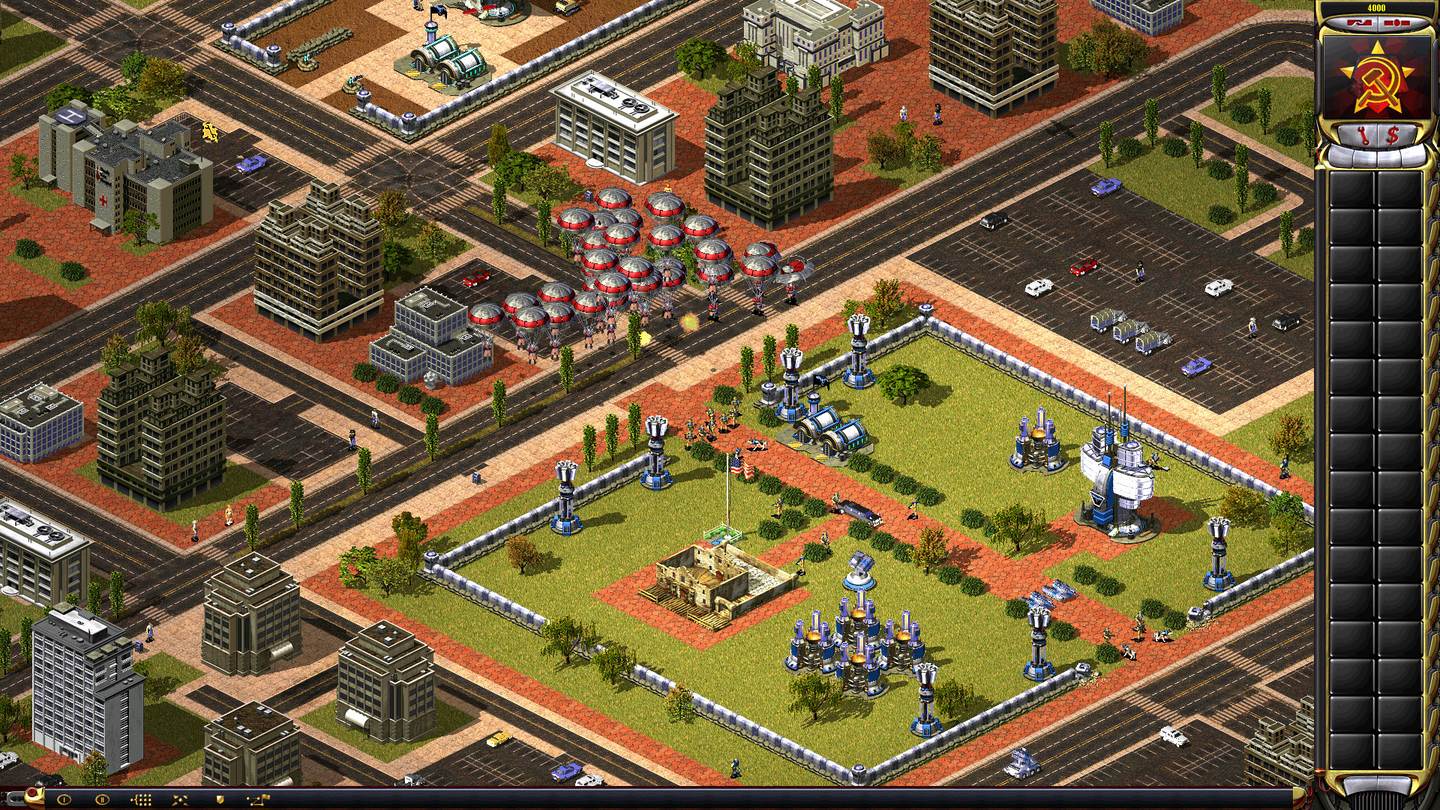
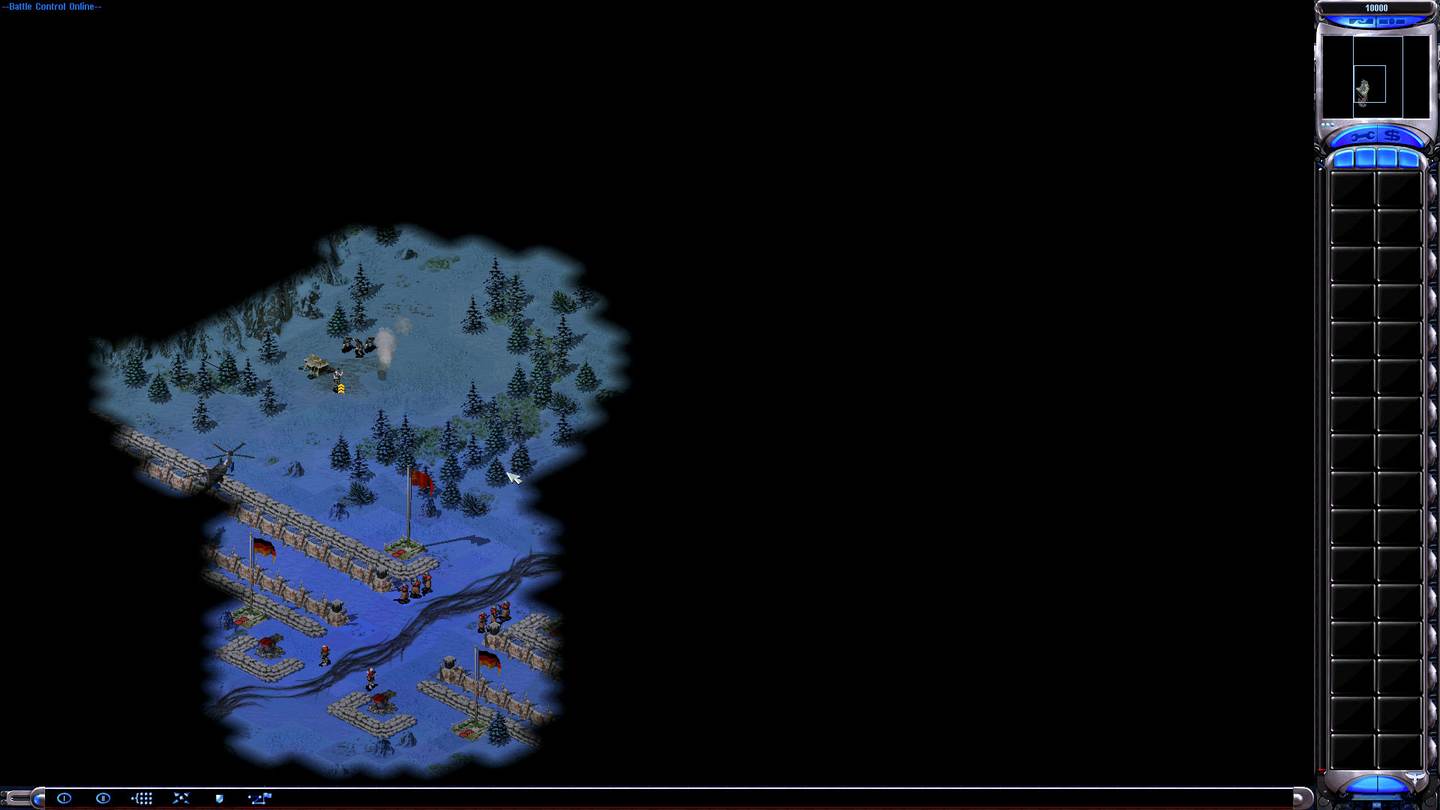
Command & Conquer: Yuri's Revenge: the quick answer
Yuri’s Revenge extends Red Alert 2 with Yuri’s specialized faction, psychic control mechanics, and a redesigned multiplayer balance. Use a legitimately owned copy of Red Alert 2 and its expansion. Install a current compatible CnCNet client, then configure display settings for your Windows PC.
Which installation or edition do you need?
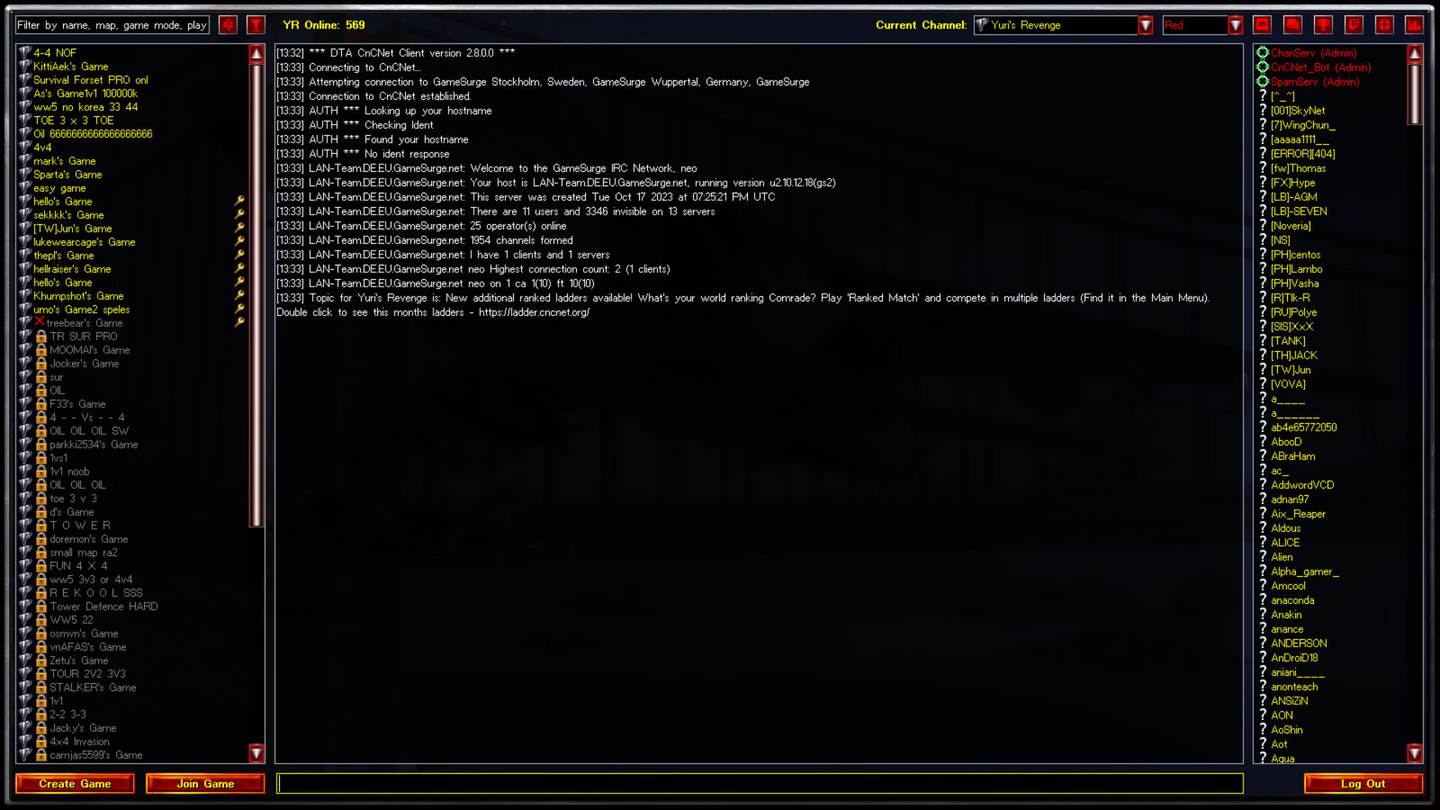
Before downloading anything, confirm whether you have a freeware classic, a purchased base game, or a fan-made modification. A multiplayer client is not necessarily a full copy of the original title. Check the corresponding CnCNet project page for the latest client and requirements.
What to check on Windows 11
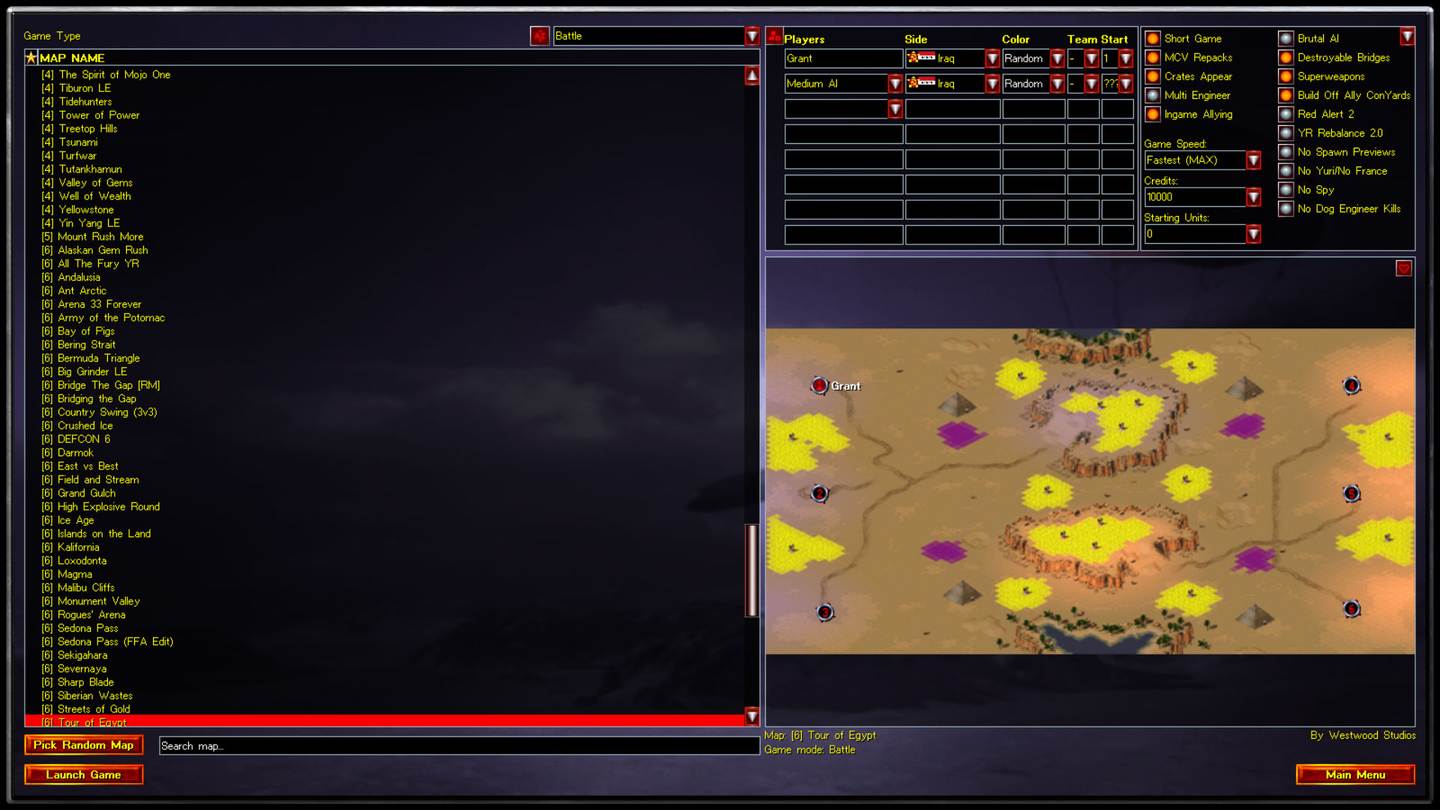
For Command & Conquer: Yuri's Revenge, check resolution, renderer compatibility, input scaling, and whether the game opens offline. Once local play works, install the supported online launcher if you want multiplayer. Keep a backup of configuration before trying custom maps or mod packs.
Gameplay focus: Three-way matchups and anti-mind-control tactics
In early matches, prioritize scouting, steady income, and a smaller set of practical counters rather than memorizing every unit. The right opening depends on map resources and whether you are playing a standard or modified ruleset.
Related Windows guides
Independent third-party information: Command & Conquer is an Electronic Arts franchise; community clients and mods are maintained by their respective teams.
How Yuri’s Revenge relates to RA2
Yuri’s Revenge, often called “C&C Yuri’s Revenge” or “Red Alert 2 Yuri’s Revenge,” expands the Red Alert 2 setting with extra content and the Yuri faction. This is not Red Alert 3, and its installation requirements vary by owned edition. See the side-by-side Windows PC guide before applying a community multiplayer patch.